
It rings until you prove you're up.
Do ten squats. Walk it off. Find the kettle. Pick a mission the night before, and the alarm stops when it's done.
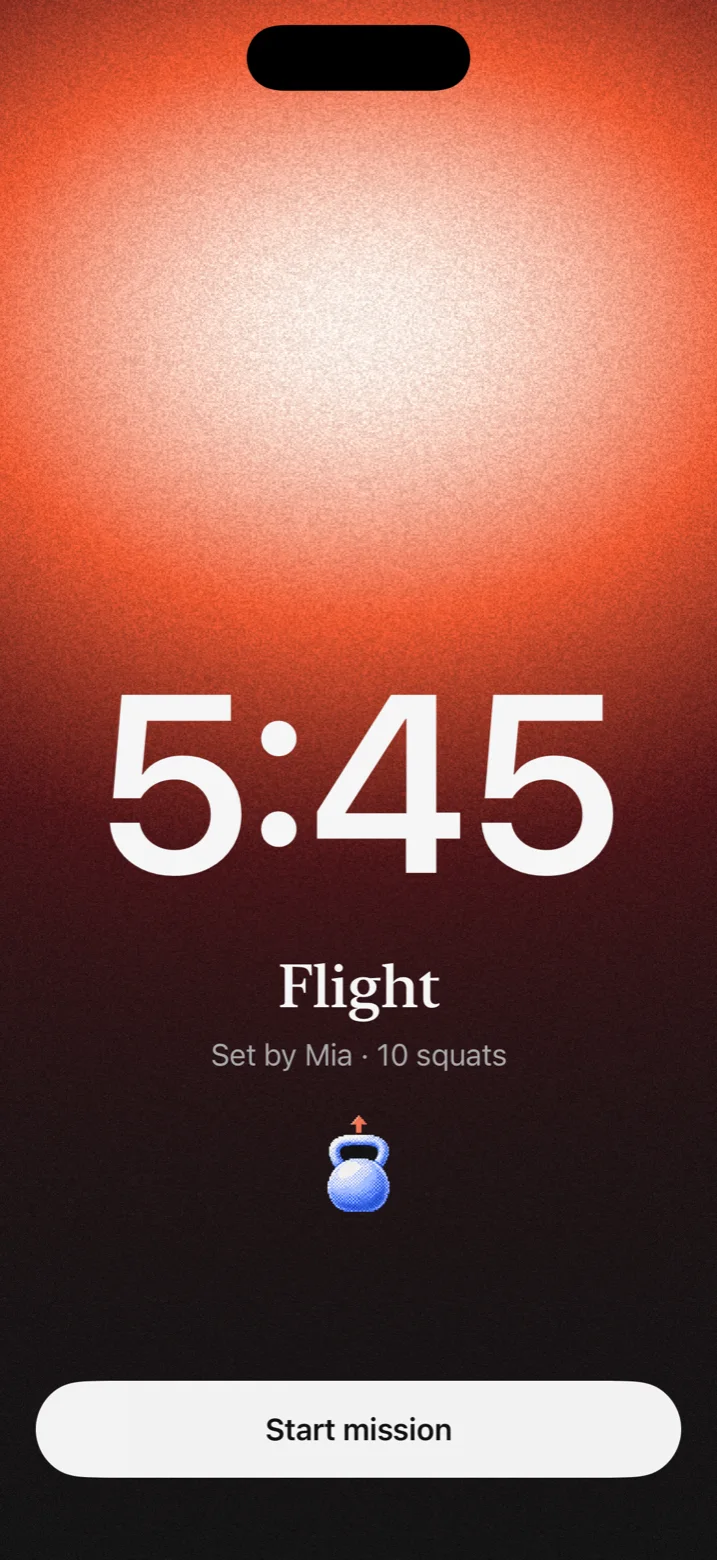
An alarm clock for people who turn alarms off in their sleep.



Do ten squats. Walk it off. Find the kettle. Pick a mission the night before, and the alarm stops when it's done.









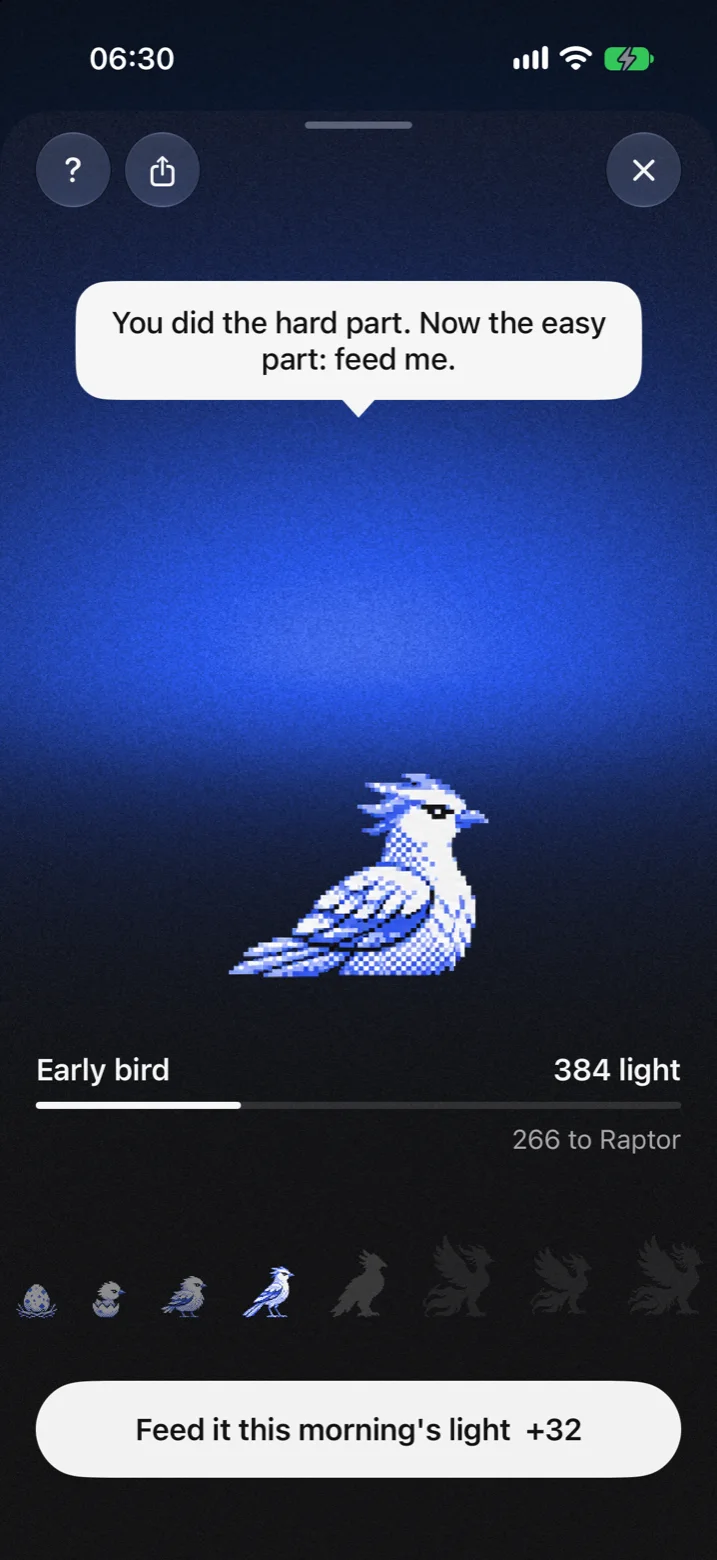
It starts as an egg. Get up on time and it gets the morning's light. Keep going and it grows.





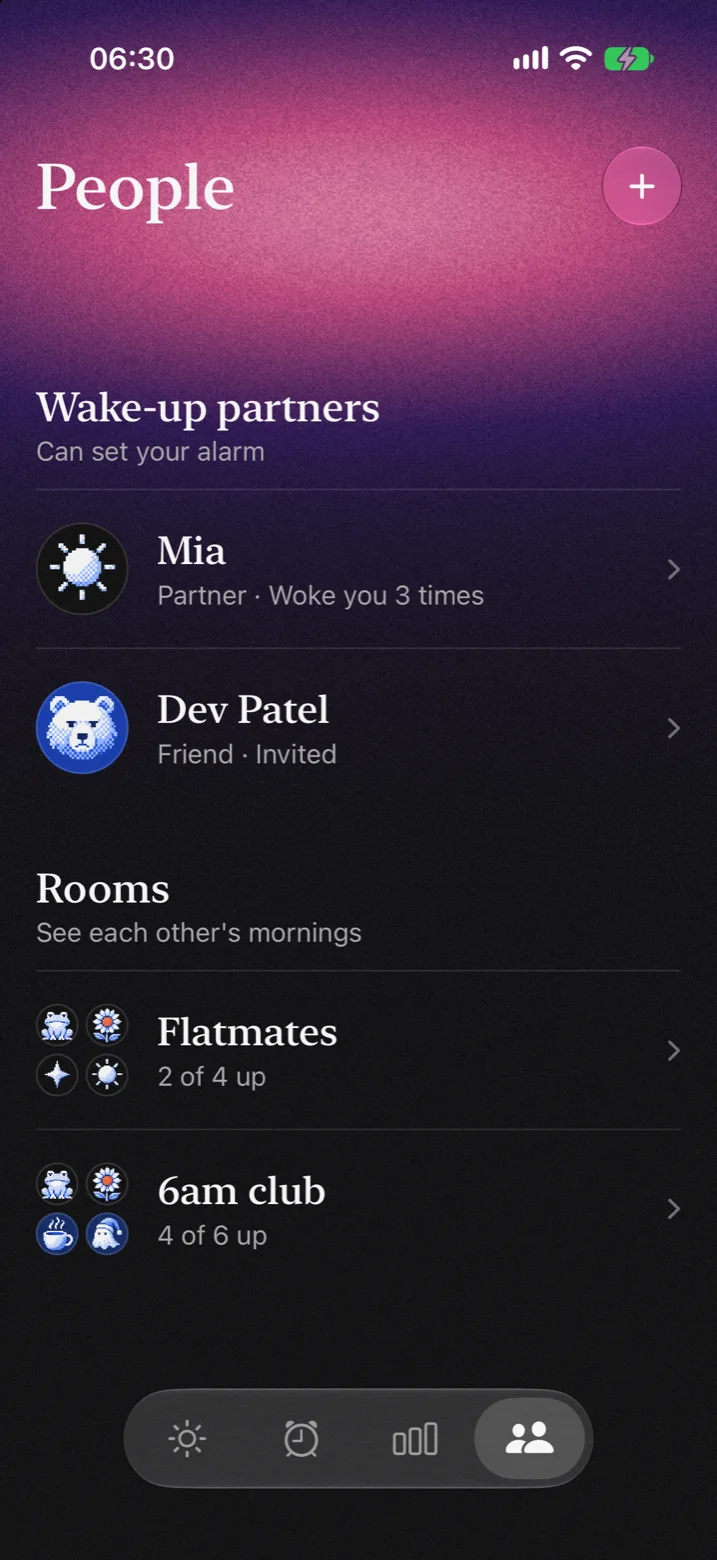
A partner can set your alarm and choose your mission. Rooms show who is up and who is still in bed.
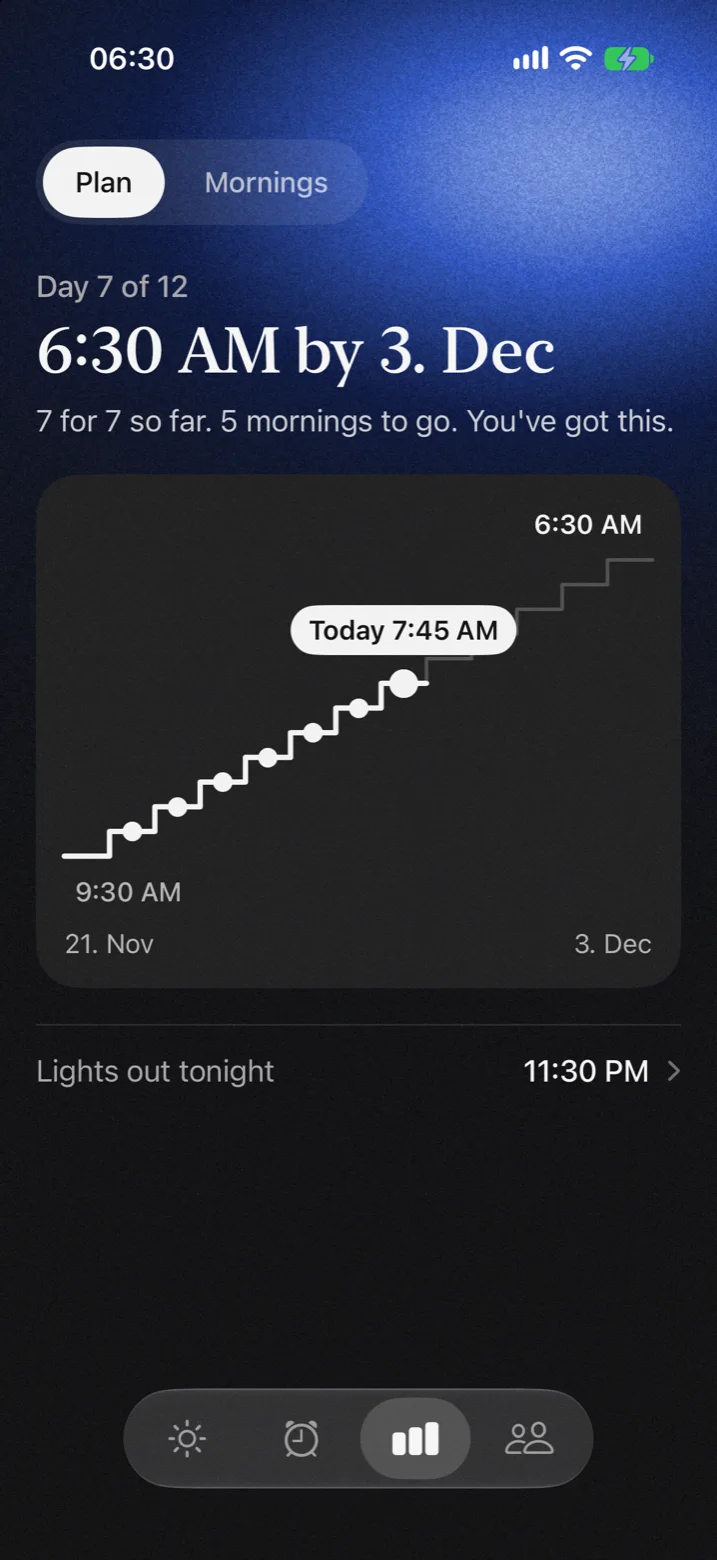
Tell Okite when you want to be up. It moves your alarm a little every day until you get there.
Yes. Okite uses the iPhone’s own alarm system, so it rings through Silent mode and Focus. It cannot ring if the phone is switched off or the battery is flat.
The alarm can always be stopped. On a camera mission, tap “Something else” for a different object. If a mission stops working, or its permission is off, it switches to a few sums instead.
Open the Settings app, find Okite, and check that Alarms and Notifications are both allowed. If it still fails, write to us with your iPhone model and iOS version.
No. There is no sign-in and we never ask for your email address. What Okite keeps, and where, is on the privacy page.
Okite is a paid app. The yearly plan starts with three free days, and cancelling before they end costs nothing. Prices are shown in the app before you buy.
Open the Settings app, tap your name, then Subscriptions, then Okite. Refunds are handled by Apple at reportaproblem.apple.com.
On the subscription screen, tap “Restore purchase”. Make sure the phone is signed in to the Apple Account you bought with.
In the app, open Me and choose “Erase everything”. That clears the phone and removes your profile, partners and rooms from our server.
Any iPhone running iOS 26 or later.

Set one alarm tonight. See who gets up.